Audio File Management
Summary
Abstract
Audio file management encompasses format choices, sample rate and bit depth decisions, file naming conventions, and session interchange workflows. WAV remains the dominant format for production, 24-bit is the standard recording depth, and AAF/OMF serve as the primary exchange formats between DAWs. Proper file management prevents the most common session disasters.
Detail
Audio File Formats (WAV, AIFF, FLAC)
- WAV — the universal standard; compatible with every DAW and platform; preferred for production and delivery
- AIFF — functionally equivalent to WAV; historically preferred on macOS but less common today
- FLAC — lossless compression at roughly 50-60% of WAV size; excellent for archival but not all DAWs support it natively
- MP3/AAC — lossy formats for reference listening and distribution only; never use as source material for production
Sample Rate and Bit Depth Choices
- 44.1 kHz — standard for music destined for streaming or CD release
- 48 kHz — standard for video, film, and broadcast work
- 96 kHz+ — used for orchestral recording and archival; higher CPU and storage demands with debated audible benefits
- 24-bit — the community standard for recording; provides 144 dB of dynamic range
- 32-bit float — supported by newer DAWs and recorders; eliminates clipping at the recording stage
File Naming Conventions
Consistent naming prevents chaos on large sessions. Common conventions include: artist name, song title, track name, date, and version number. Avoid special characters, spaces (use underscores or hyphens), and excessively long filenames that may cause issues on certain operating systems.
Session Exchange Formats (AAF, OMF)
When transferring sessions between different DAWs, AAF (Advanced Authoring Format) and OMF (Open Media Framework) are the standard interchange formats. AAF is more modern and retains more metadata (automation, fades) than OMF. Neither format preserves plugin settings — only audio, edits, and basic automation.
Source
Author: EliHeathMusic — Date: 2022-12-22 — Channel: daw-talk “I’d love to hear about people’s approaches/workflows/best practices when it comes to delivering a finished production to be mixed, especially when it involves changing DAWs.”
Consolidating and Collecting Files
Before sharing or archiving a session, always use your DAW’s “collect all and save” or “consolidate” function to copy all referenced audio into the session folder. This prevents missing file errors when opening sessions on another machine or after moving drives.
Source
Author: Adam Thein — Date: 2023-07-14 — Channel: daw-talk “The sample accuracy issues happen a lot more often in actual playback vs rendering, and are less likely to happen when you print those files as a batch.”
Practical Application
- Record at 24-bit / 44.1 kHz for music or 48 kHz for video projects
- Use WAV as the default format for all production work
- Always consolidate/collect session files before transferring to another person or machine
- Use AAF over OMF when exchanging sessions between different DAWs
- Establish a file naming convention and enforce it across all projects
- Batch export stems rather than real-time bouncing for better sample accuracy
Common Mistakes
- Recording at 16-bit, losing headroom and dynamic range
- Using lossy formats (MP3) as source material in a session
- Forgetting to consolidate files before moving a session to a new drive
- Using special characters or spaces in filenames that break on other operating systems
- Mismatching sample rates between session and audio files, causing pitch/speed errors
See Also
- Bounce and Export Workflows — exporting and delivering final files
- Backup and Storage for Audio — archival and backup strategies
- Sample Rate — detailed discussion of sample rate choices
- Bit Depth — bit depth and dynamic range
Community Screenshots
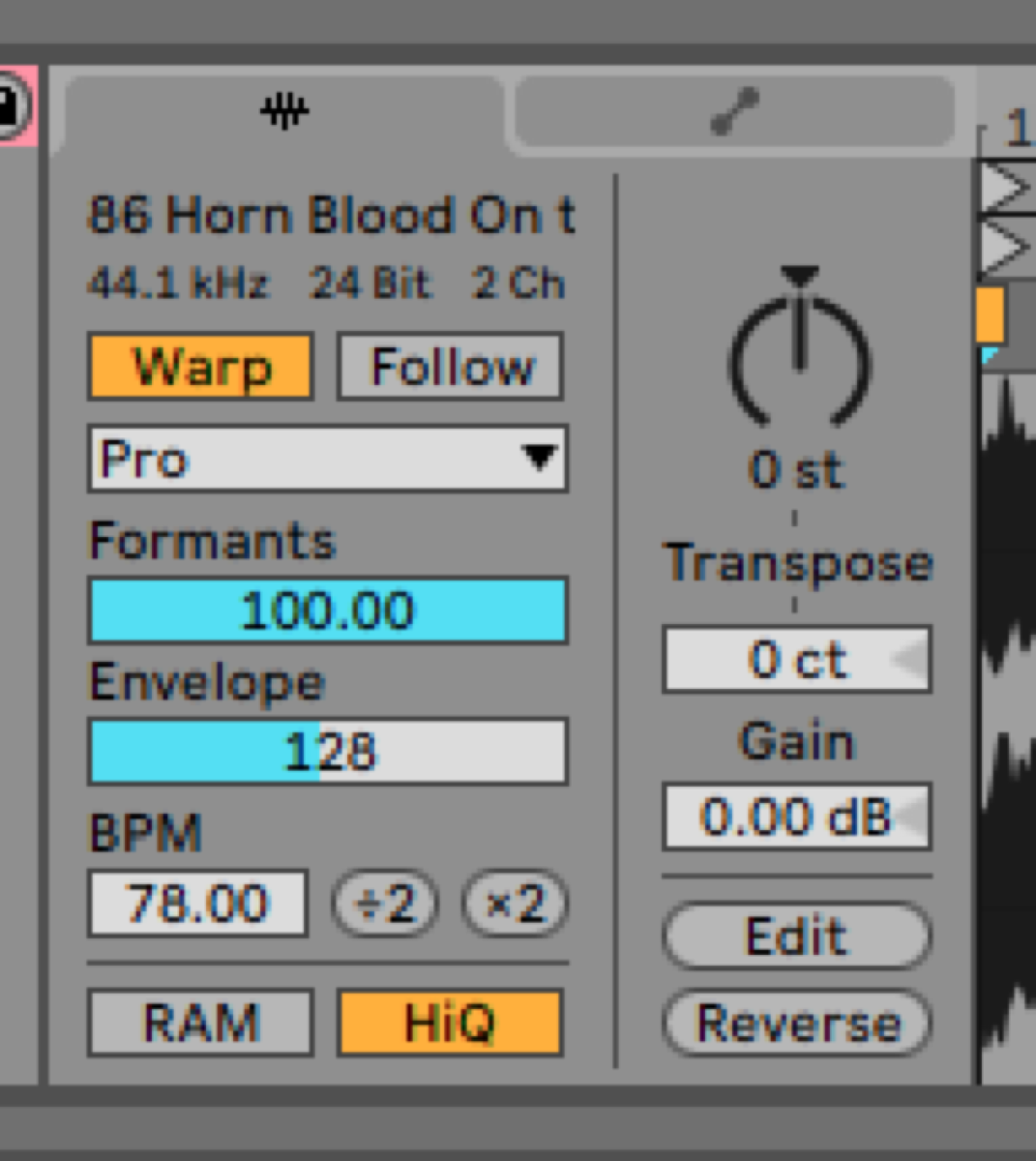 *Slow Hand — 2021-03-10 — THE FIDELITY OF ABLETON WARP ALGORITHMS
Ok folks. I’ve been investigating the potential loss in fidelity around each of Ableton’s six warp algorith…*
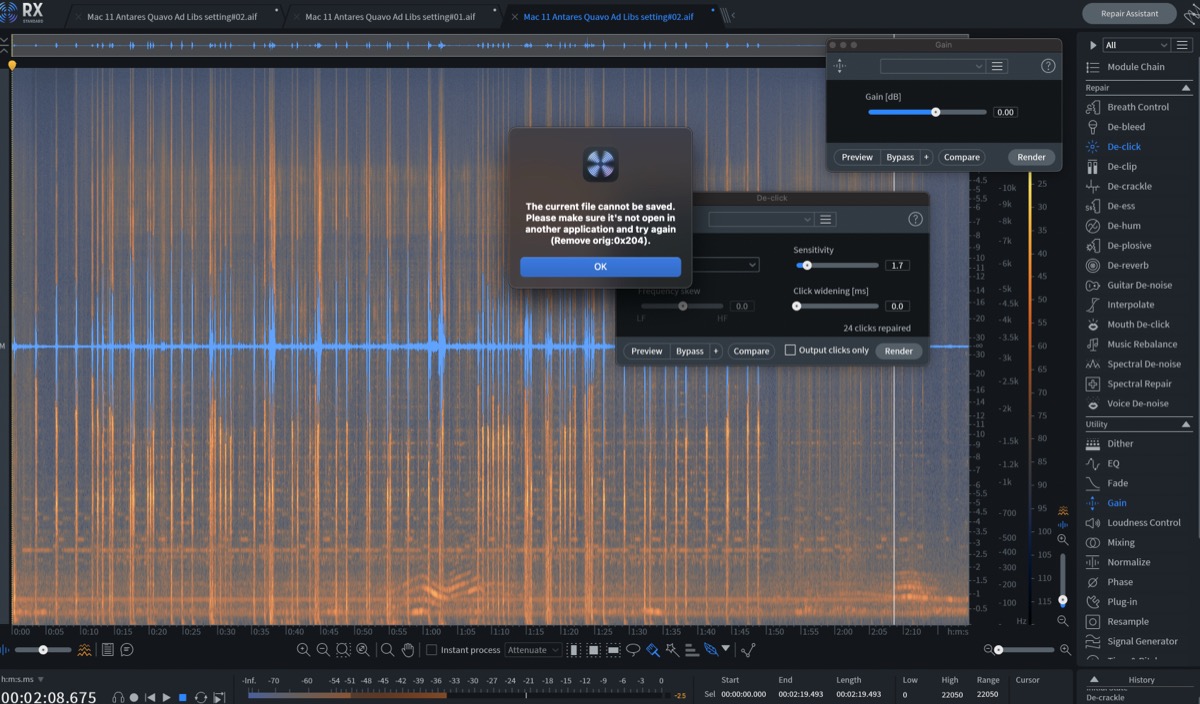 spectrummasters — 2023-09-16 — Logic gang, im getting this message when using rx10 as my audio editor in logic. (which is my usual workflow and i’ve never had it before), I usually …
Source Discussions
Discord Source
Channel: daw-talk — Date Range: 2021-02 to 2026-02 Key contributors: Adam Thein, Slow Hand, oaklandmatt, Zack Hames, Rollmottle Message volume: 189 categorized messages