CPU Optimization for Audio
Summary
Abstract
CPU performance is a critical concern for audio production, affecting plugin count, latency, and session stability. Community benchmarks on Apple Silicon (M1) show Pro Tools with the lowest CPU usage, Reaper second, Logic third, and Ableton fourth. Key optimization strategies include buffer management, track grouping for thread distribution, freezing/committing tracks, and managing hard drive I/O.
Detail
Community Benchmarks (M1, 2023)
Adam Thein conducted systematic CPU testing across DAWs on a MacBook Pro 14” M1 16GB:
| DAW | 512 Track Playback | Plugin Stress Test (Abbey Road Chambers) |
|---|---|---|
| Pro Tools | Lowest CPU usage | 7 instances before failure |
| Reaper | Close second | 6 instances before dropouts |
| Logic Pro | Third place | Not specified |
| Ableton Live | Fourth place | Not specified |
Source
Author: Adam Thein — Date: 2023-02-04 — Channel: daw-talk “Pro Tools had the lowest CPU usage playing back 512 audio tracks. Could run 7 instances of Abbey Road Chambers on one channel and the 8th would cause playback to stop. Reaper came in a close second.”
Apple Silicon Transition
The transition to Apple Silicon (M1/M2/M3/M4) significantly improved audio performance:
- Logic Pro was first to go fully M1 native, but this initially caused plugin compatibility issues (Slow Hand)
- Ableton Live ran under Rosetta initially, with M1 native coming later
- Plugin manufacturers needed to update separately for native Silicon support
- Running in Rosetta works but sacrifices some performance
Source
Author: Slow Hand — Date: 2021-09-23 — Channel: daw-talk “Logic’s problem is that the DAW is fully M1 compatible and does not run with Rosetta at all. So plugins that are only Rosetta compatible won’t work until they’re updated for M1.”
CPU Threading in Ableton
Ableton’s CPU threading is tied to its group/track structure:
- Each group chain shares a CPU thread from master back to channel level
- A single heavy channel in a group can bottleneck an entire thread
- Strategic grouping is essential for distributing CPU load
Source
Author: Adam Thein — Date: 2023-02-04 — Channel: daw-talk “CPU threads in Live you can trace from your Master back down to the channel level through any nested groups. A single channel running at 80% plus 15% for the master = one thread at 95%.”
Buffer Size Management
- Low buffer (64-128 samples): For recording/tracking with minimal latency
- Medium buffer (256-512 samples): Balance for mixing with some virtual instruments
- High buffer (1024+ samples): For mixing with heavy plugin loads, eliminates dropouts
Source
Author: Slow Hand — Date: 2025-07-28 — Channel: daw-talk “Increase my buffer from 64 samples to 1024 samples. This stops the dropouts and lowers the Ableton CPU meter to 25%. But I’d like to stay at a small buffer size so that I can play parts into the DAW without latency.”
Live 12 CPU Improvements
Live 12 brought substantial CPU performance gains. Community benchmarks from ableton-live report roughly “twice as efficient” CPU usage compared to Live 11:
- Baseline idle CPU dropped from ~25% to ~5% in comparable sessions (Adam Thein)
- Plugin-heavy sessions that were borderline in Live 11 run comfortably in Live 12
- The improvements appear to come from better multi-threading and audio engine optimizations
Latency & Monitoring Strategies
Managing latency is critical when recording through plugin-heavy sessions in Ableton:
- Reduced Latency When Monitoring — Live 12 feature that bypasses delay compensation on the monitored track, enabling low-latency recording even with high-latency plugins on other tracks
- Zero-latency plugin selection — when recording, use plugins with zero or minimal latency on the monitored track; move latent plugins (linear phase EQ, lookahead limiters) to post-recording processing
- Sends for latent FX — route latent effects (reverb, heavy processing) to return tracks via sends rather than inserts, so they don’t add to the monitored track’s latency
- Mixbus routing trick — jonmatteson’s approach: route all tracks to a submix bus, then route the submix to the master. This allows you to bypass the submix (and all its latency) when recording, while keeping your mix chain intact for playback (#ableton-live)
- Bypassed plugins still add delay compensation — even bypassed plugins contribute to Ableton’s delay compensation calculation. Remove (not just bypass) unused plugins from tracks to reduce overall latency (#ableton-live)
Pro Tools Performance (from pro-tools)
Channel Strip CPU Choke (Will Melones): Will Melones reported that Pro Tools’ channel strip (EQ + dynamics) caused CPU choke during live recording on an M1 MacBook Pro — the built-in channel strip consumed more resources than expected when tracking with low buffer sizes.
M4 Rosetta Workaround: Pro Tools on M4 Macs can trigger assertion errors when creating new tracks in native mode. Running Pro Tools under Rosetta 2 resolves these errors with minimal performance impact, though it sacrifices some Apple Silicon optimizations (Josh Bowman, pro-tools).
DSP/HEAT Performance Issues: montrose recording reported “insufficient DSP” errors when enabling HEAT on blank sessions, suggesting that HEAT’s processing overhead may conflict with certain hardware configurations even without any audio tracks loaded.
Logic Pro CPU Tips (from logic-pro)
Rosetta vs Native Mode: Some Logic users on Apple Silicon report better stability running Logic under Rosetta 2, with minimal performance difference. This is particularly useful when third-party plugins are causing “plugin caused Logic to be unstable” warnings in native mode (Deleted User, petter, logic-pro).
Low Latency Mode: Logic’s Low Latency Mode bypasses bus routing and high-latency plugins to minimize monitoring latency during recording. The “Make Low Latency Safe” right-click option on individual plugins protects them from being bypassed, useful for plugins you need to hear while tracking (Deleted User, logic-pro).
Buffer Size for Bouncing: Increasing buffer size before bouncing can fix clicks and artifacts in the first ~30 seconds of bounced files. This is a common Logic-specific gotcha — the buffer size that works fine for playback may cause bounce glitches (spectrummasters, Finding Hope, logic-pro).
M4 Mac Mini RAM for Logic: For Logic Pro users considering the M4 Mac Mini, 24GB RAM is recommended over 16GB for heavier sessions with multiple virtual instruments and sample libraries. 16GB is adequate for lighter travel setups (Adam Thein, joshua_wav, logic-pro).
Practical Application
- Freeze/commit tracks to free CPU from plugin processing
- Group strategically in Ableton to distribute CPU threads
- Use RAM mode for audio tracks in live performance (Adam Thein)
- Collect All and Save to minimize hard drive I/O (Adam Thein)
- Convert stereo-mono files to reduce unnecessary processing
- Increase buffer when not tracking live inputs
- Close unnecessary applications during sessions
Source
Author: Adam Thein — Date: 2022-02-17 — Channel: daw-talk “If you are playing audio tracks, try and get those into as few groups as possible to keep your hard drive I/O to a minimum. If you have plenty of RAM, select the RAM option on tracks. 95% of all crashes I get on Ableton are related to third party plugin issues and/or hard drive I/O.”
Common Mistakes
- Not increasing buffer size when mixing (no need for low latency)
- Poor group structure in Ableton causing CPU bottlenecks on single threads
- Running too many real-time plugins when freezing would suffice
- Not collecting/consolidating audio files before sessions
- Ignoring hard drive I/O as a bottleneck (especially on spinning drives)
See Also
- Buffer Size — detailed explanation of buffer settings
- Latency — relationship between buffer and latency
- Commit — freeing CPU resources
- Ableton Live — CPU threading specifics
- Pro Tools — lowest CPU usage in benchmarks
- DAW Comparison
Community Screenshots
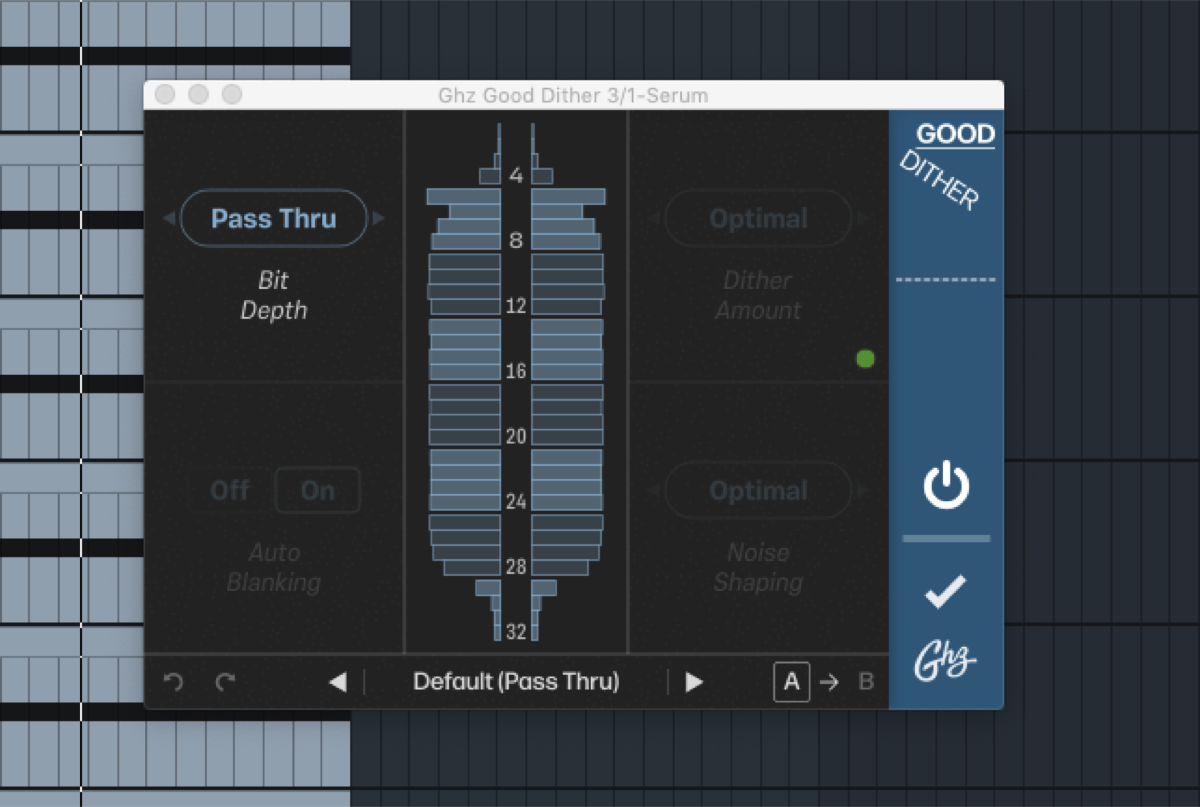 longstoryshort — 2021-05-04 — one last ableton test…opened 30+ Serum tracks, just a saw wave, added a bunch of processing and maxed out my CPU. no bit depth changes - it’s exac…
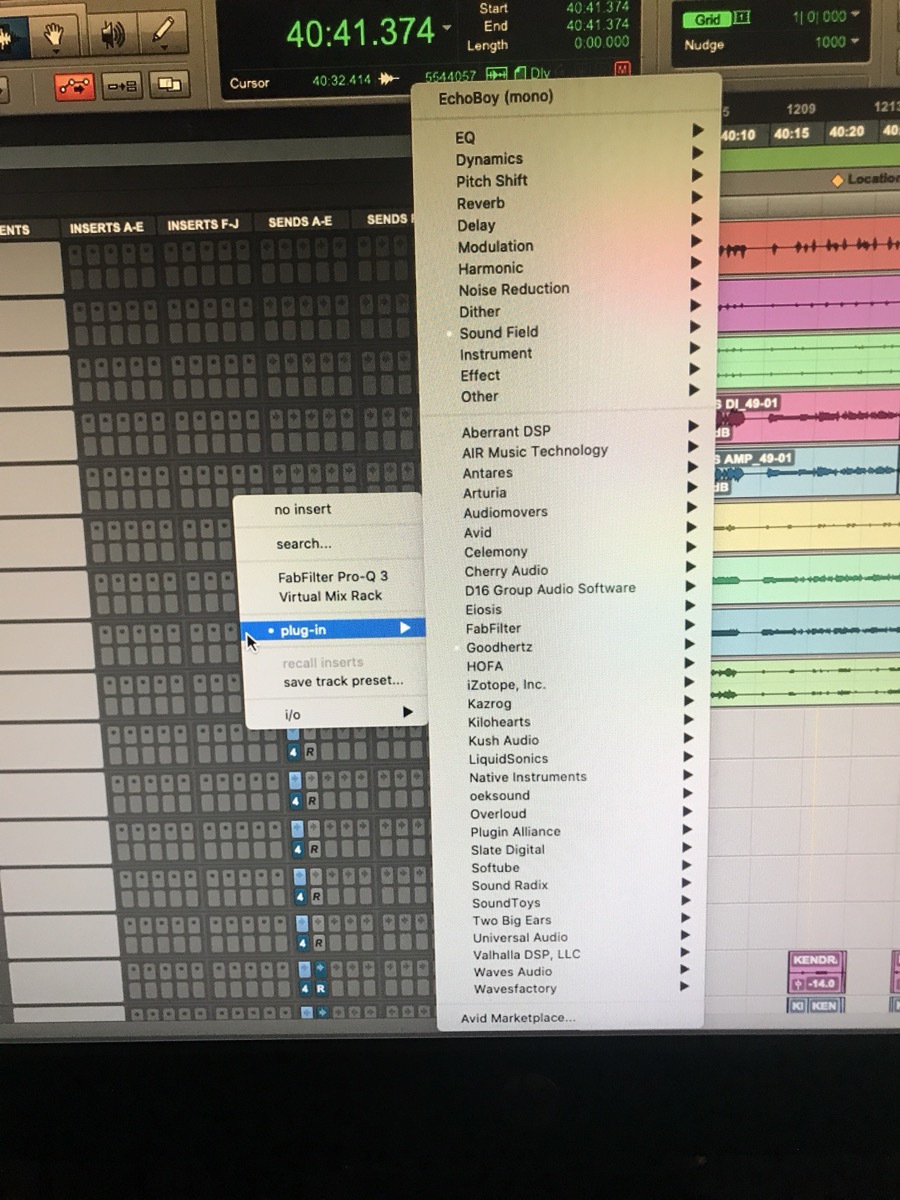 peterlabberton — 2021-08-24 — Anyone know why pro tools occasionally has these more stock looking menus? It looks a little wonky visually which is whatever, but you can’t do the th…
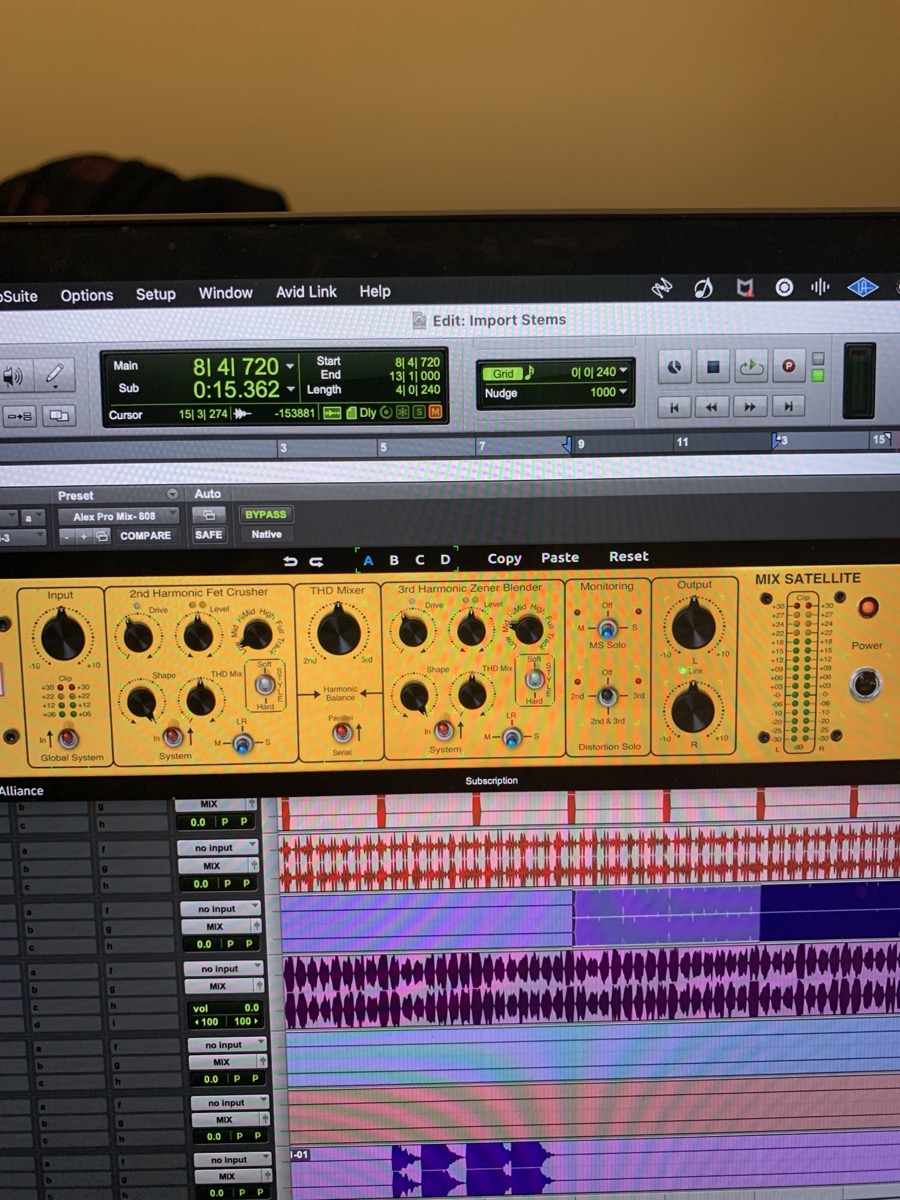 Yoel — 2022-02-03 — Anyone know why all my plugin parameters have lime green around them in PT?
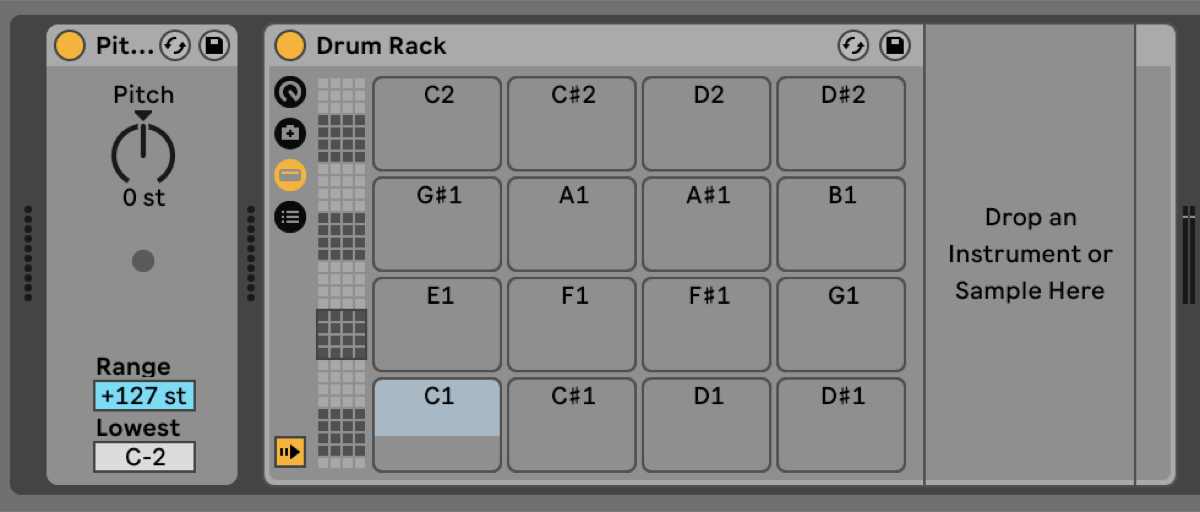 Slow Hand — 2022-11-30 — I like to swap drum samples too and have acquired a workflow built around quick auditioning and easy comparison. It sounds like you’re using Ableton, …
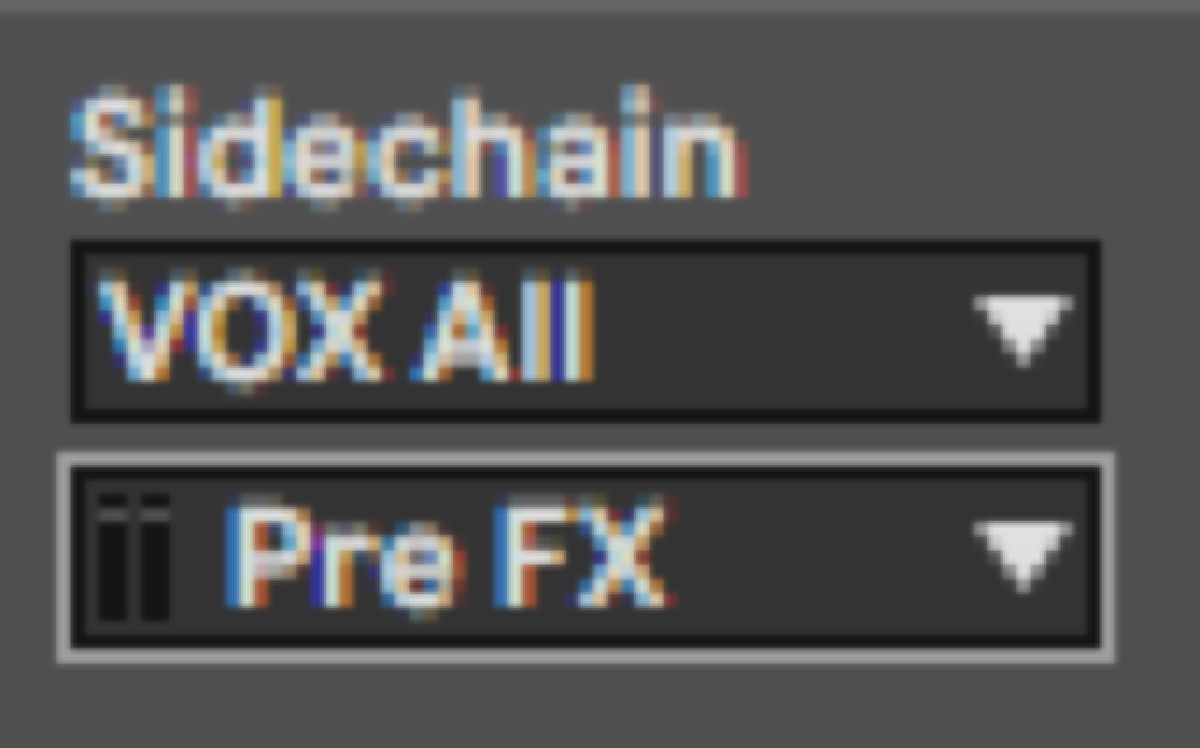 Adam Thein — 2023-02-04 — Also a little hack I just found to avoid committing although the effect will be slightly different is setting your sidechain in Live to “Pre FX” seems…
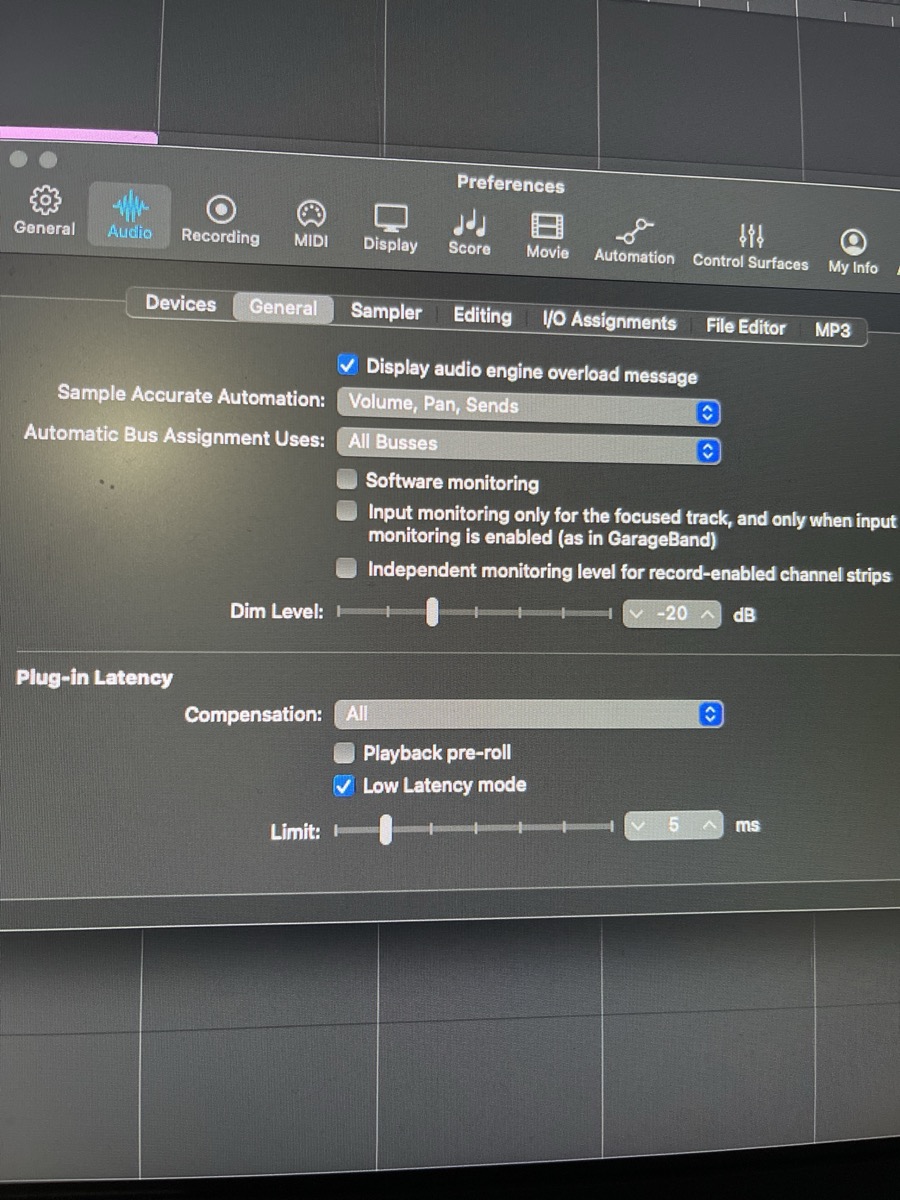 Chris Doms — 2023-02-15 — Just wanted to update, at some point I turned off plug in latency compensation in my preferences and forgot. Switching it back on fixed everything.
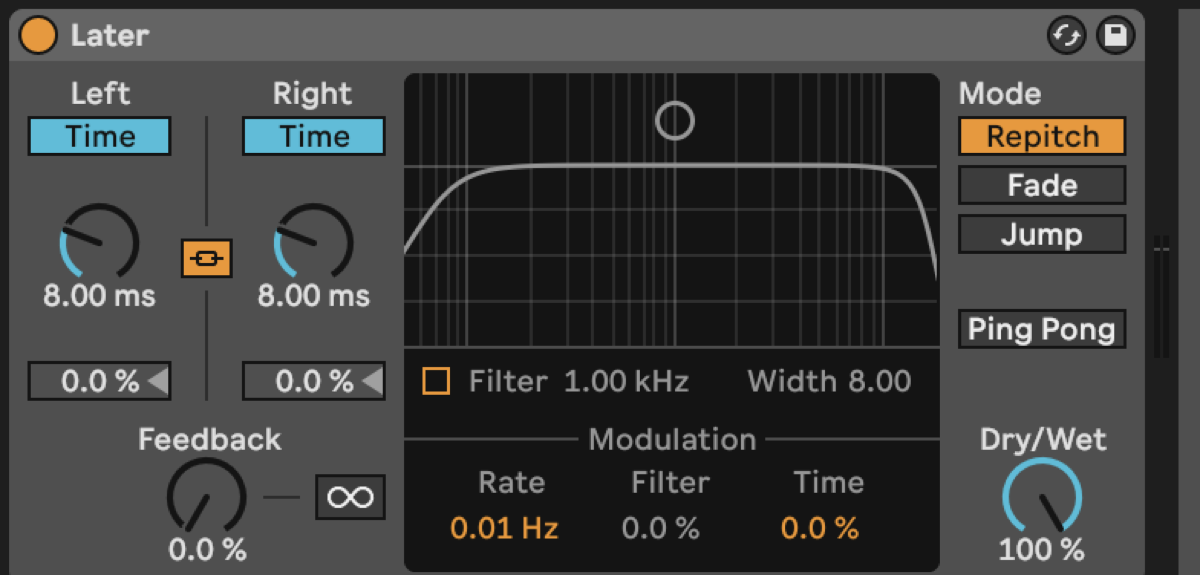 ALXCPH — 2023-02-23 — I made this preset for nudging tracks back in time, i’m not sure why but it makes me feel better/safer than messing the the Delay feature that @Slow H…
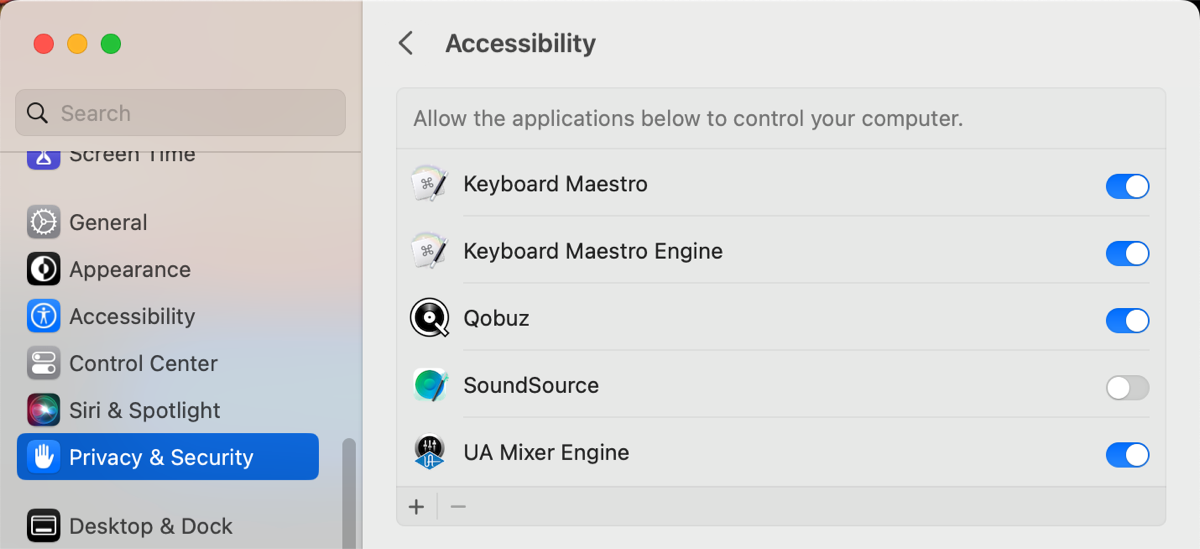 BillyC — 2023-06-13 — Question for Mac OS/Pro Tools users: does anyone know how to stop Pro Tools from completely commandeering whatever you use for its playback engine? I …
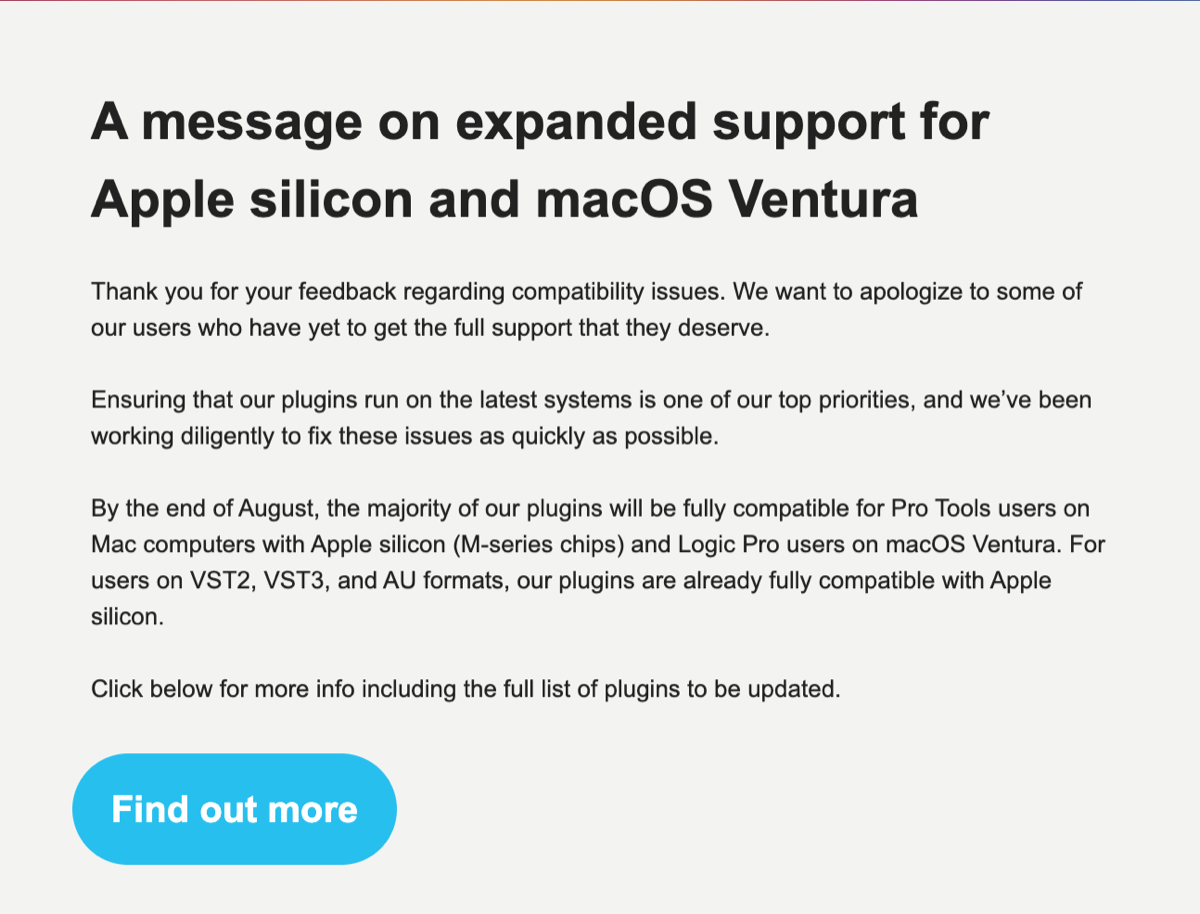 Bryan DiMaio — 2023-08-01 — Soooo hopefully by the end of the month we’ll have most Plugin Alliance stuff on M1 Native AAX
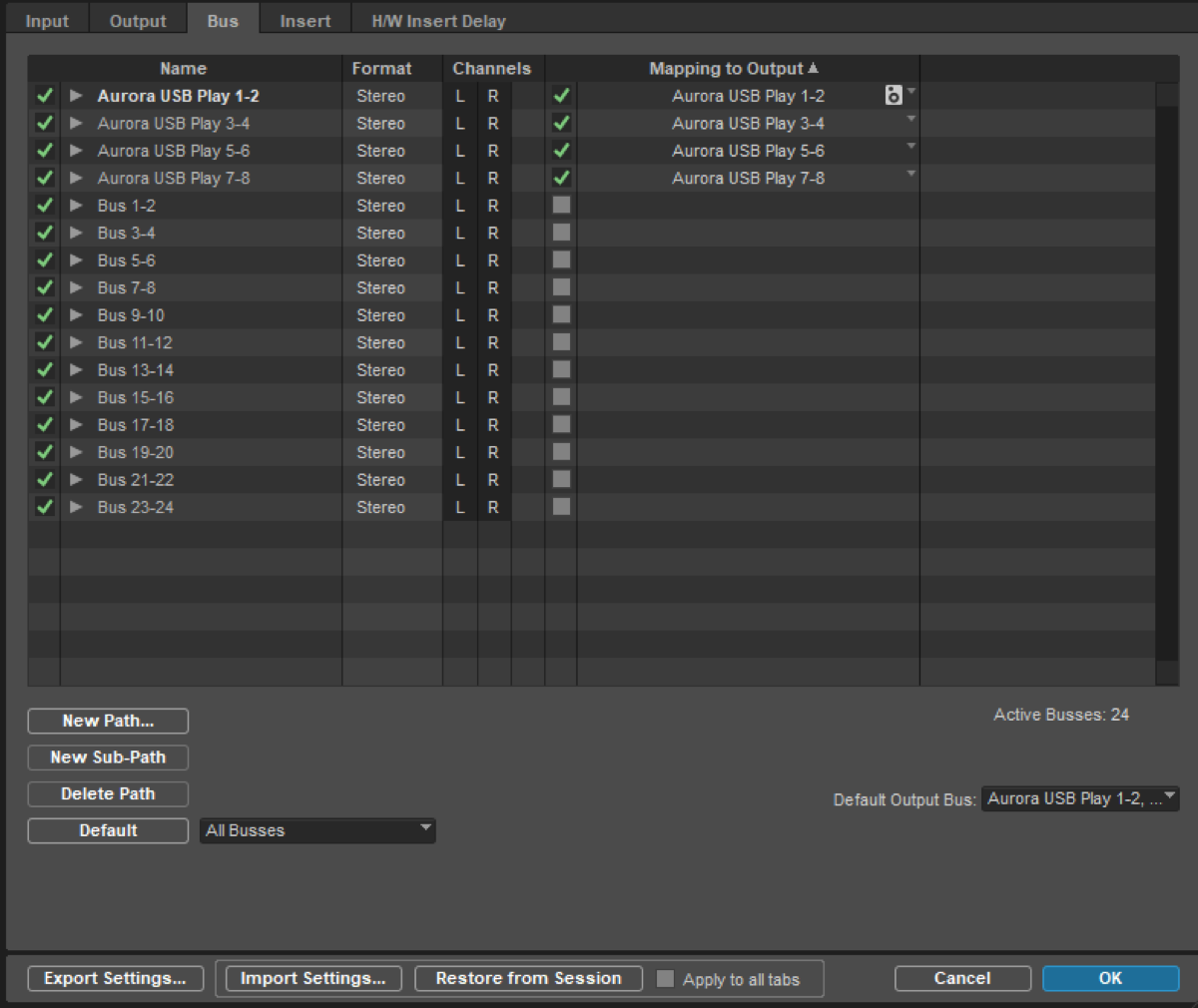 sneaky_circuits — 2023-11-26 — Hoping some PT folks could assist with an issue
I’m having trouble disabling input monitoring on record armed tracks that go through busses.
I only wa…
sneaky_circuits — 2023-11-26 — Hoping some PT folks could assist with an issue
I’m having trouble disabling input monitoring on record armed tracks that go through busses.
I only wa…
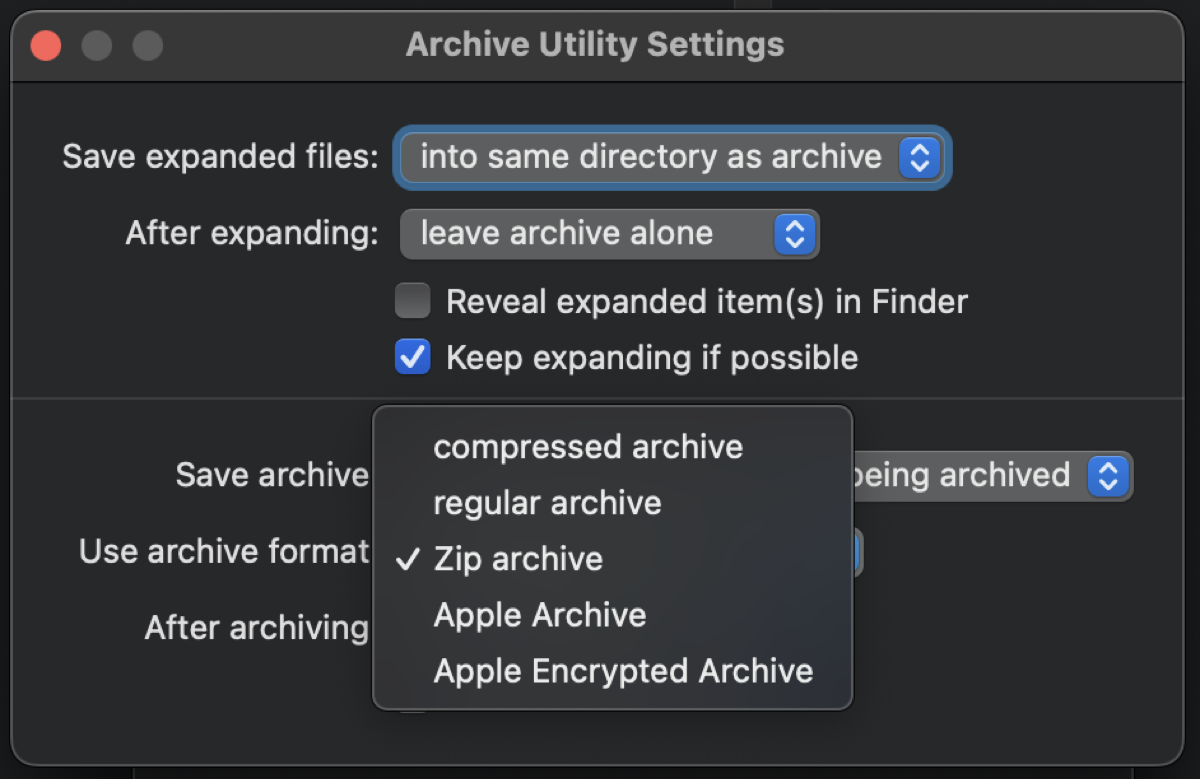 Will Melones — 2024-01-23 — Interesting update to this Finder thing. I had noticed that the Archive Utility settings were defaulted to “compressed archive” format and figured tha…
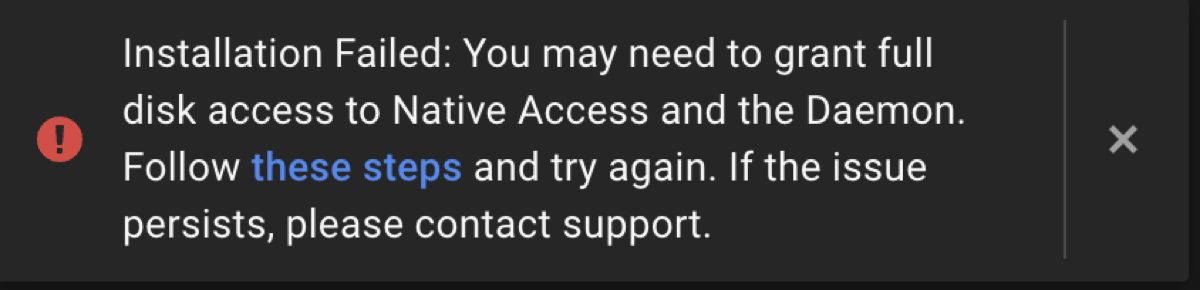 cian riordan — 2024-02-05 — Anyone have problems with Native Instruments Access installing the Komplete package on an M2 mac? I keep getting this message but I’ve already granted…
Source Discussions
Discord Source
Channel: daw-talk — Date Range: 2021-02 to 2026-02 Key contributors: Adam Thein, Slow Hand, ALXCPH, oaklandmatt, austenballard Message volume: 1,354 categorized messages (421 from identified experts)
Discord Source
Channel: ableton-live — Date Range: 2024-02 to 2026-02 Key contributors: Adam Thein, jonmatteson, Slow Hand, Josh Message volume: ~80 categorized messages on CPU optimization, latency management, and Live 12 improvements
Discord Source
Channel: logic-pro — Date Range: 2024-02 to 2026-02 Key contributors: Adam Thein, spectrummasters, Finding Hope, Deleted User, petter Message volume: ~20 messages on Rosetta vs native, low latency mode, buffer for bouncing, and M4 Mac Mini RAM See also: logic-pro Channel Summary
Discord Source
Channel: pro-tools — Date Range: 2024-02 to 2026-02 Key contributors: Will Melones, Josh Bowman, montrose recording Message volume: ~40 messages on channel strip CPU choke, M4 Rosetta workaround, and DSP/HEAT performance issues See also: pro-tools Channel Summary