Computer Hardware for Audio
Summary
Abstract
Choosing the right computer hardware is foundational to a stable and performant audio production environment. Community discussions heavily favor Apple Silicon Macs for audio work, with detailed benchmarks comparing DAW performance across platforms. RAM requirements, storage strategies, and the Intel-to-Apple Silicon transition are among the most debated hardware topics.
Detail
Mac vs PC for Audio
The community leans heavily toward Mac for audio production, citing tighter hardware-software integration, Core Audio reliability, and the strength of Logic Pro as a Mac exclusive. PC users counter with better price-to-performance ratios and greater hardware flexibility. Several members have successfully run Pro Tools, Ableton Live, and Reaper on both platforms without major issues.
Source
Author: Ross Fortune — Date: 2022-11-15 — Channel: daw-talk “My evolution went ~2003 Garageband > Logic 8-9 > Ableton 6-11 > Pro Tools 9-current.”
Apple Silicon Transition
The M1 launch in late 2020 marked a seismic shift for audio production. Early adopters reported dramatic improvements in CPU efficiency and battery life, but faced compatibility challenges with plugins and DAWs not yet compiled for ARM. The Rosetta 2 translation layer bridged most gaps, though with some performance overhead and occasional instability.
Source
Author: Slow Hand — Date: 2021-11-10 — Channel: daw-talk “I’m all-in on Mac M1 at this point. I’m not relying on any software that isn’t already compatible with M1 or Rosetta.”
CPU Benchmarks for Audio
Community-run benchmarks provide real-world data beyond manufacturer specs. Adam Thein’s systematic testing on an M1 MacBook Pro revealed significant performance differences across DAWs running identical workloads, with Pro Tools showing the lowest CPU usage and Ableton Live the highest.
Source
Author: Adam Thein — Date: 2023-02-04 — Channel: daw-talk “Spent the last few hours testing CPU usage on all the DAWs I have installed. My spec is MacBook Pro 14” M1 16gb. 1) Pro Tools had the lowest CPU usage playing back 512 audio tracks…”
RAM Requirements
Community consensus suggests 16GB as the minimum for serious production work, with 32GB recommended for large sessions with sample libraries. Members running orchestral templates with Kontakt and similar samplers report needing 64GB or more. Unified memory on Apple Silicon makes RAM allocation more efficient than traditional systems.
Storage Recommendations
SSDs are considered mandatory for modern audio production. Members recommend NVMe drives for the system/application drive and a separate SSD for session audio. Spinning HDDs remain acceptable only for archival backup purposes. External Thunderbolt SSDs are popular for portable rigs, though some members report occasional I/O issues with USB-C enclosures.
Logic Pro Hardware Notes (from logic-pro)
M4 Mac Mini for Logic:
- 16GB works well as a travel/portable setup for lighter Logic sessions (joshua_wav, logic-pro)
- 24GB+ recommended for heavier production work with multiple virtual instruments and sample libraries (Adam Thein, logic-pro)
M1 MacBook Air: Surprisingly capable as a travel Logic Pro setup — handles standard mixing and production sessions without issue (joshua_wav, logic-pro).
USB-A Interface Issues on Apple Silicon: MacBooks using USB-A audio interfaces (via USB-C adapter) can experience clock/sync problems, causing sample rate mismatch, clicks, and dropouts. This appears to be related to the adapter’s clock handling rather than the interface itself (TURBO CHOOK, logic-pro).
Practical Application
- Start with at least 32GB RAM for future-proofing large sessions
- Use separate SSDs for system and session audio to reduce I/O contention
- Wait 2-3 months after a new Apple Silicon chip launch for plugin compatibility to stabilize
- Check DAW and plugin compatibility lists before committing to a new platform
- Budget for Thunderbolt audio interfaces that support Apple Silicon natively
Common Mistakes
- Buying minimum RAM (8-16GB) and running out of headroom within a year
- Assuming all plugins will work natively on a brand-new chip architecture
- Running sessions from the system drive instead of a dedicated audio drive
- Upgrading hardware and OS simultaneously, making it hard to isolate issues
- Overlooking audio interface driver compatibility with new platforms
See Also
- CPU Optimization for Audio — maximizing performance on your hardware
- Troubleshooting DAW Issues — hardware-related crash diagnosis
- Backup and Storage for Audio — storage strategies and backup workflows
Community Screenshots
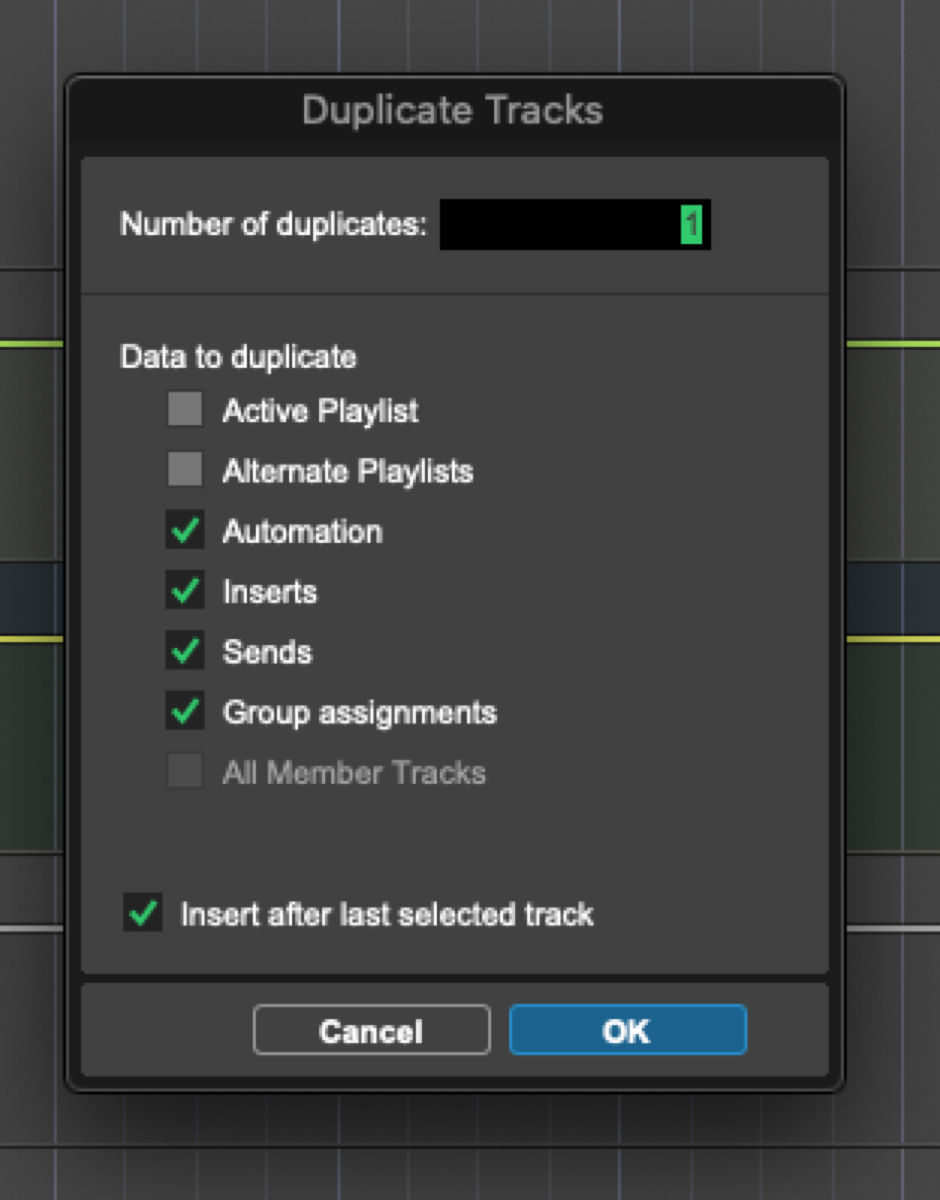 antoniohannamusic — 2021-07-01 — It’s Option+Shift+D on Mac, then you can uncheck the boxes you don’t want duplicated, it will remember the settings the next time you do it
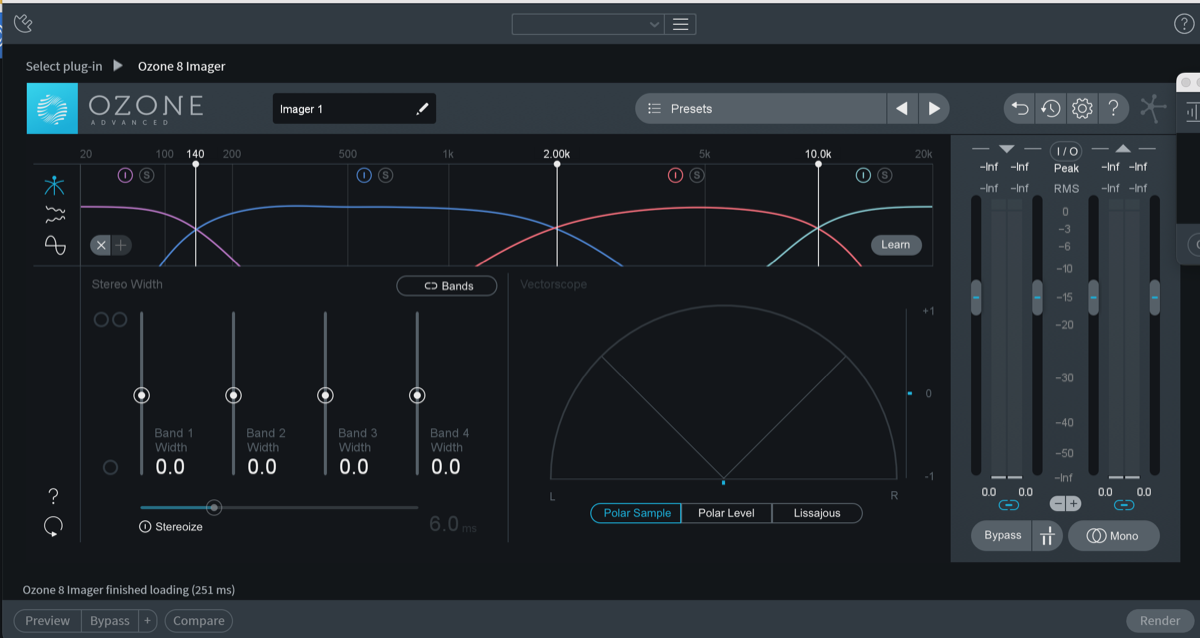 mixedbywong_my — 2021-12-29 — https://tenor.com/view/so-happy-right-now-happy-ecstatic-excited-gif-4921257 TLDR , if you’re having problems installing ozone 8 in Mac Os Monterey, c…
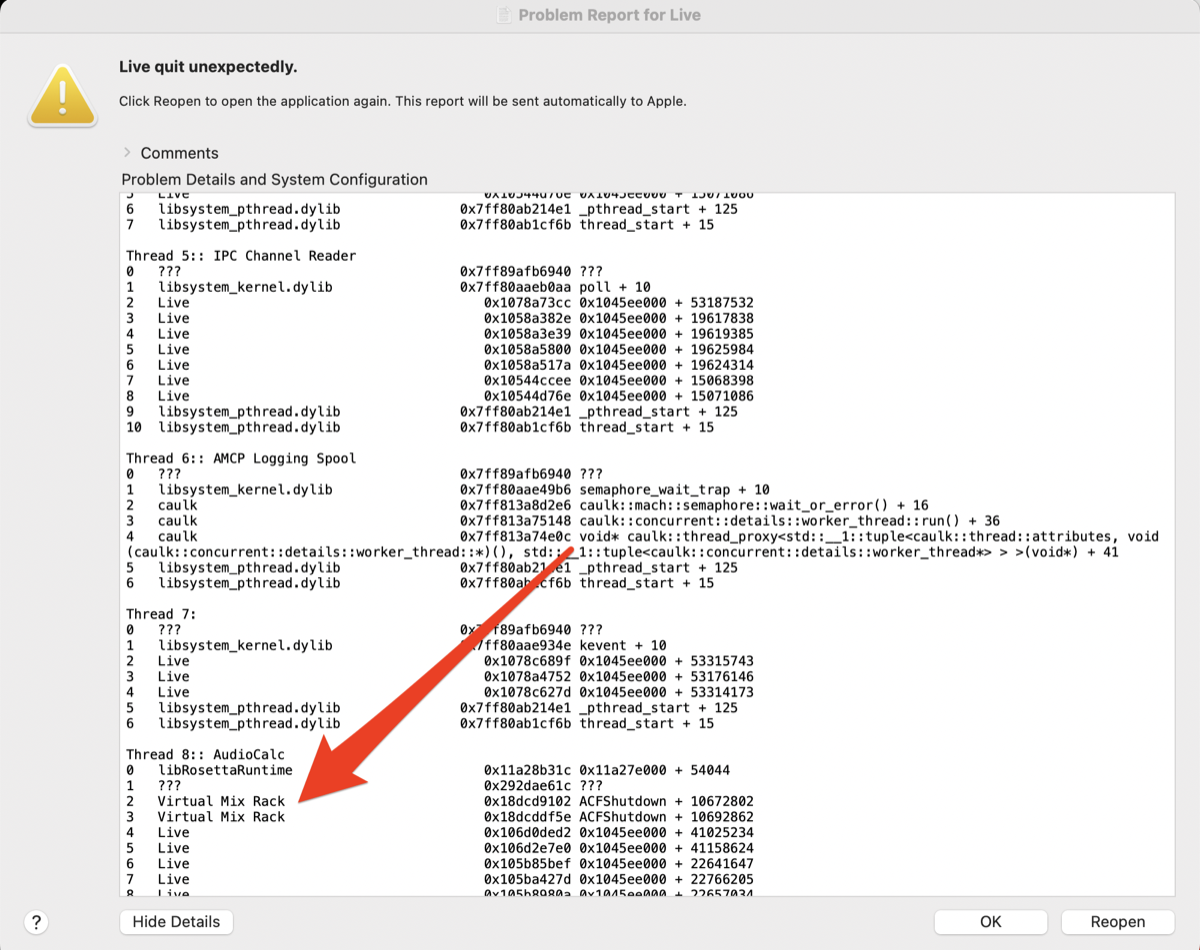 Jeremy Klein — 2022-08-10 — Also will add if you are getting random crashes, the little Mac error window that pops up can be helpful to pinpoint which plugin is causing the issue…
 *Slow Hand — 2022-11-30 — I’ll do something similar with an Instrument Rack when it comes to pitched samples like 808’s.
I’ll load a whole folder of 808s into individual cha…*
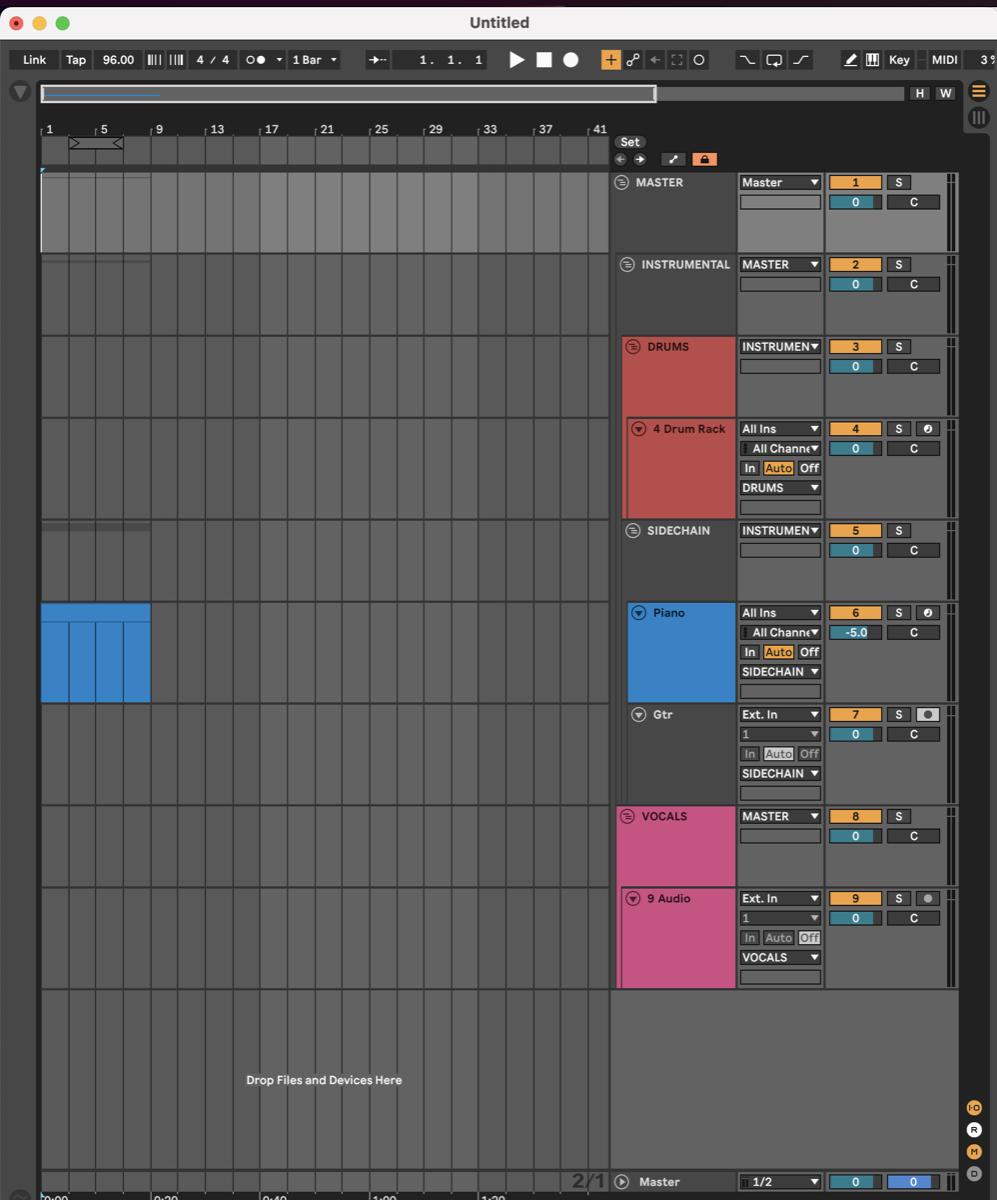 Jeremy Klein — 2023-03-14 — My starting template for production looks like this, and i do in general slot things where they are supposed to go while building out a song so also n…
 Adam Thein — 2023-03-27 — Guess we will all be on the sub eventually if we want to use Waves plugins across MacOS updates?
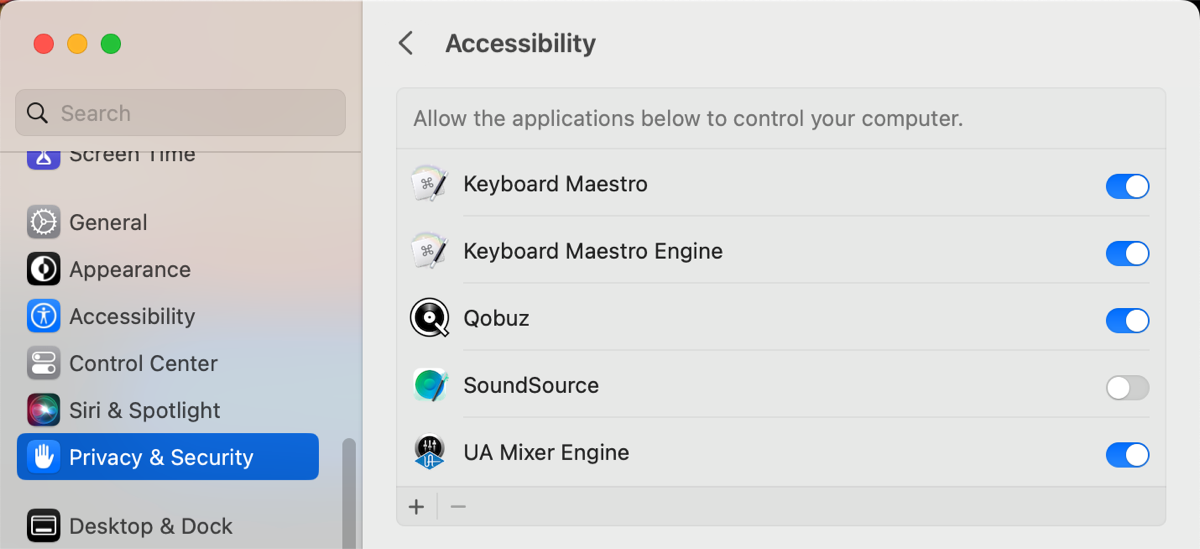 BillyC — 2023-06-13 — Question for Mac OS/Pro Tools users: does anyone know how to stop Pro Tools from completely commandeering whatever you use for its playback engine? I …
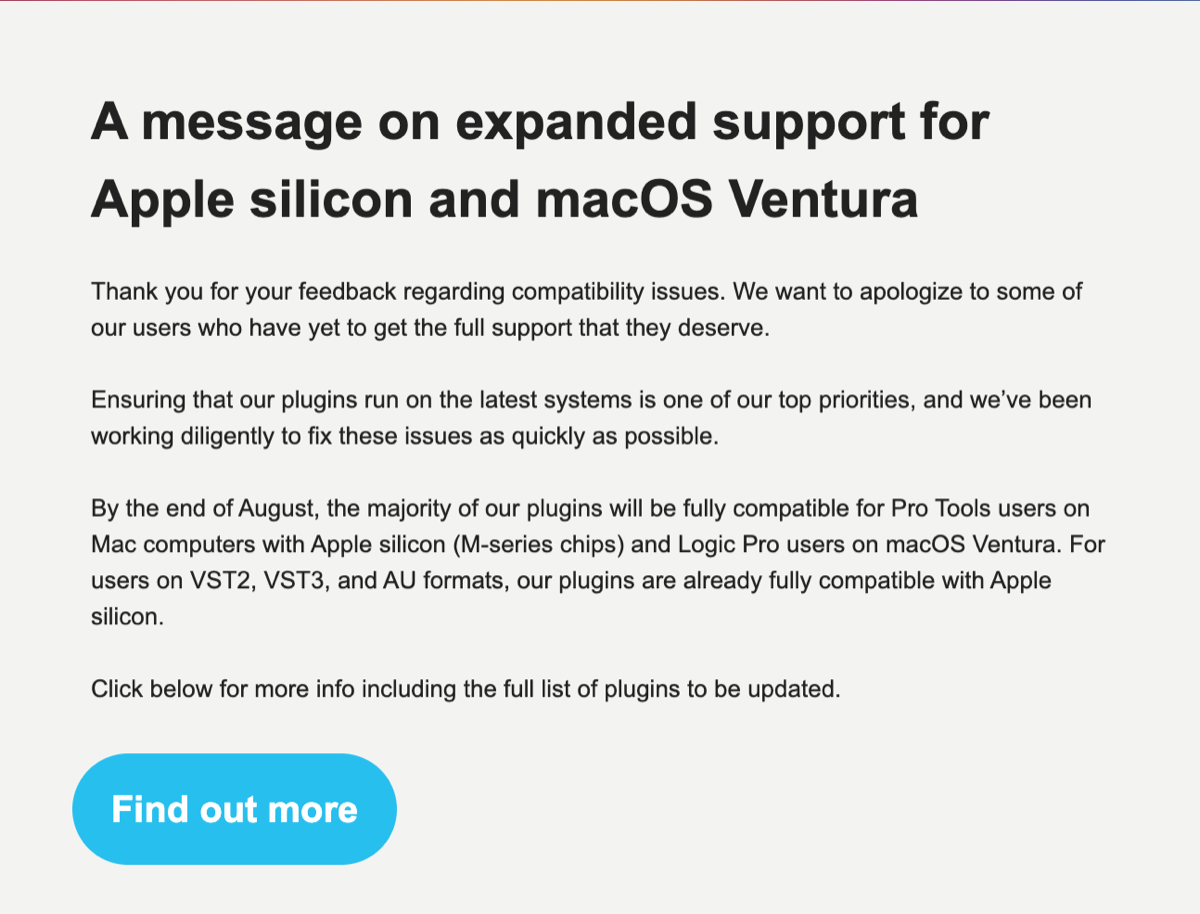 Bryan DiMaio — 2023-08-01 — Soooo hopefully by the end of the month we’ll have most Plugin Alliance stuff on M1 Native AAX
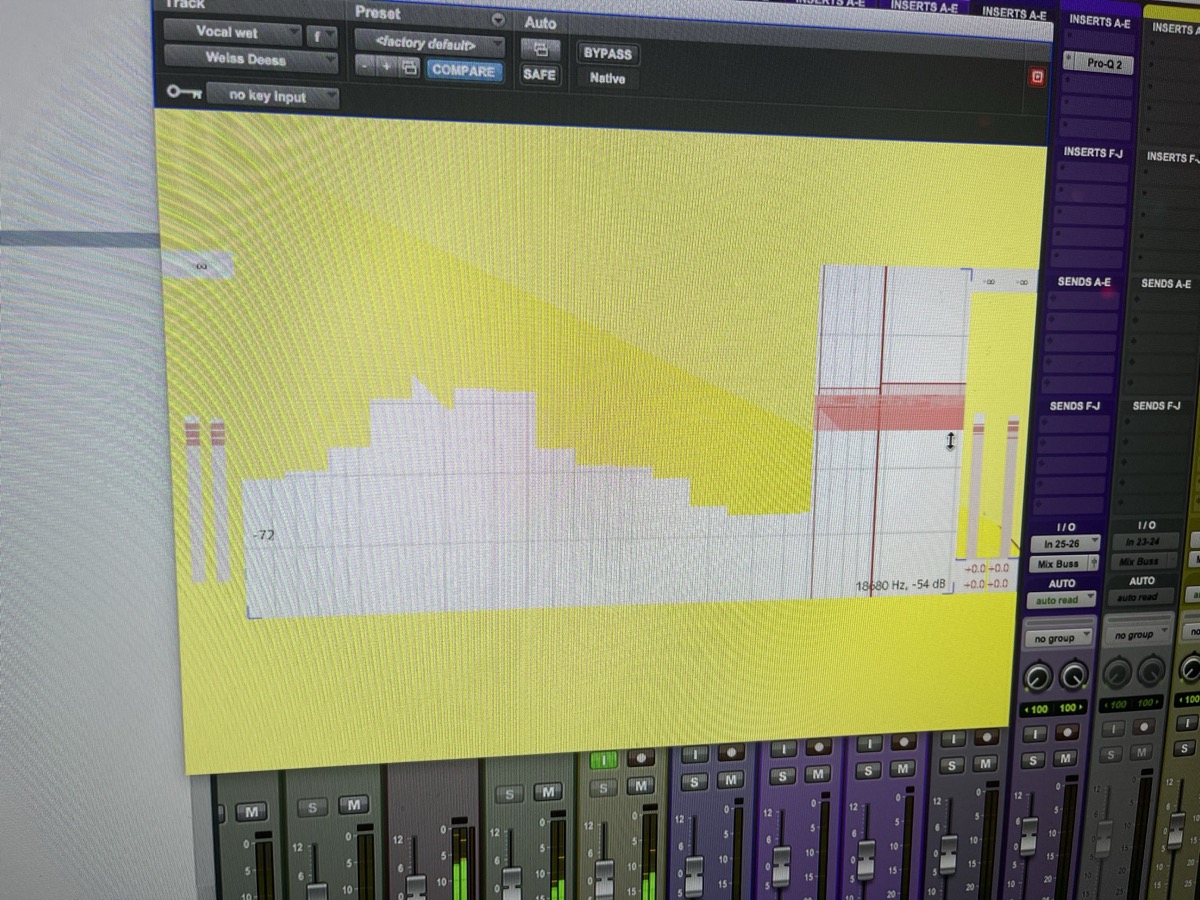 jantrit — 2023-08-29 — Any one have any experience with glitchy GUI of the weiss collection? Happens with the eq, the deesser and I think one other for me. Makes them unusab…
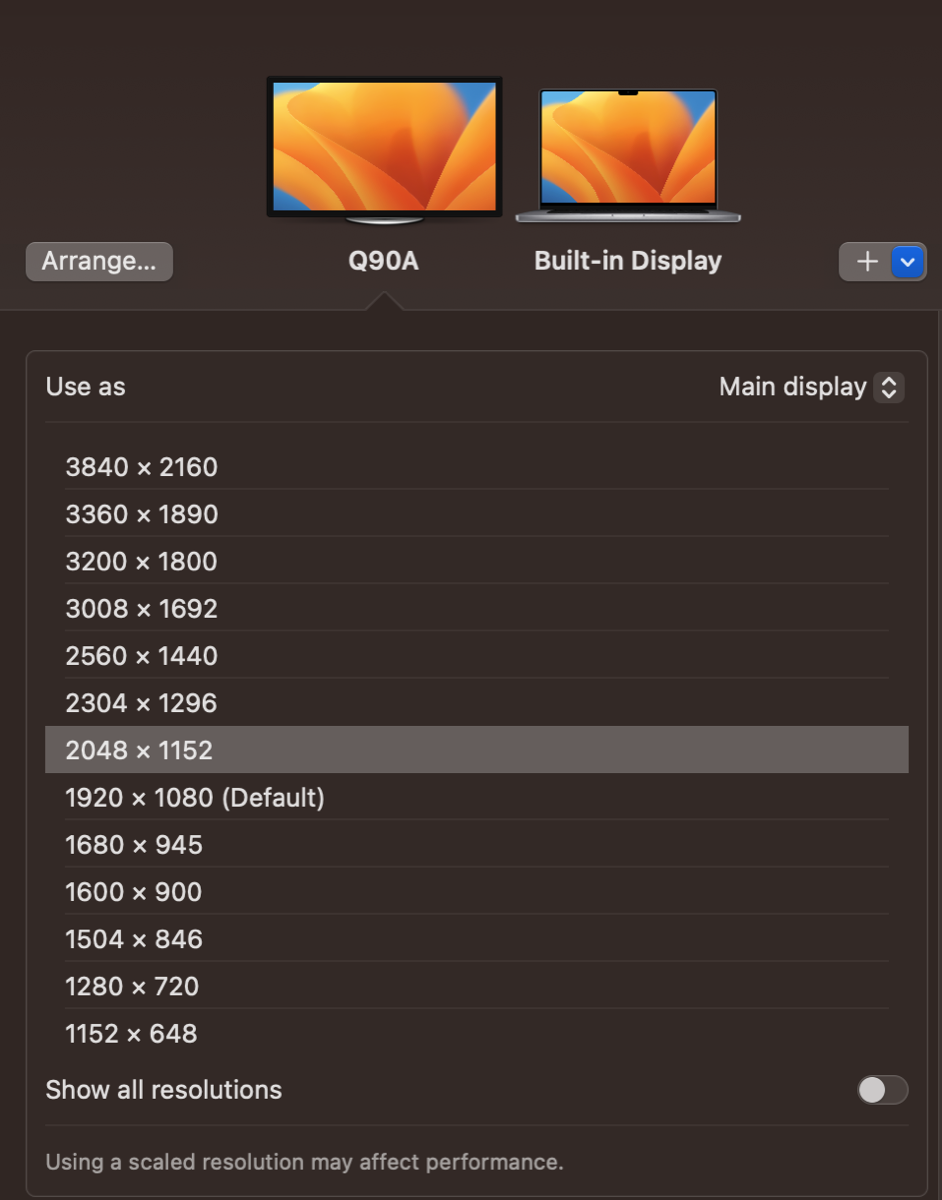 Bryan DiMaio — 2023-12-14 — If you have a 4k display on macOS try this one simple trick lolz
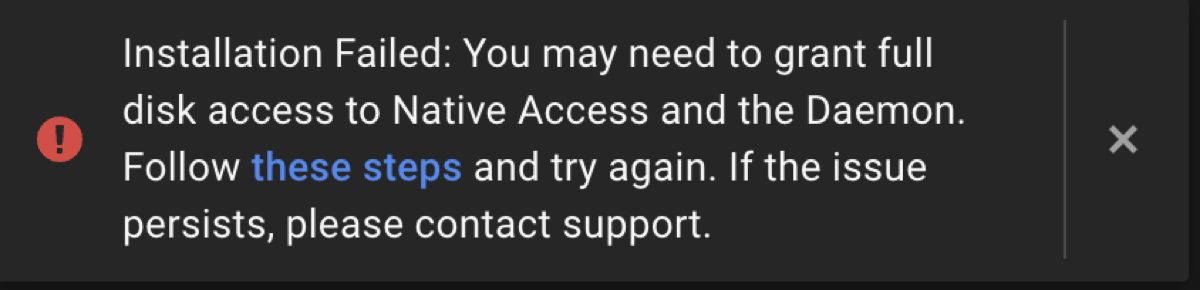 cian riordan — 2024-02-05 — Anyone have problems with Native Instruments Access installing the Komplete package on an M2 mac? I keep getting this message but I’ve already granted…
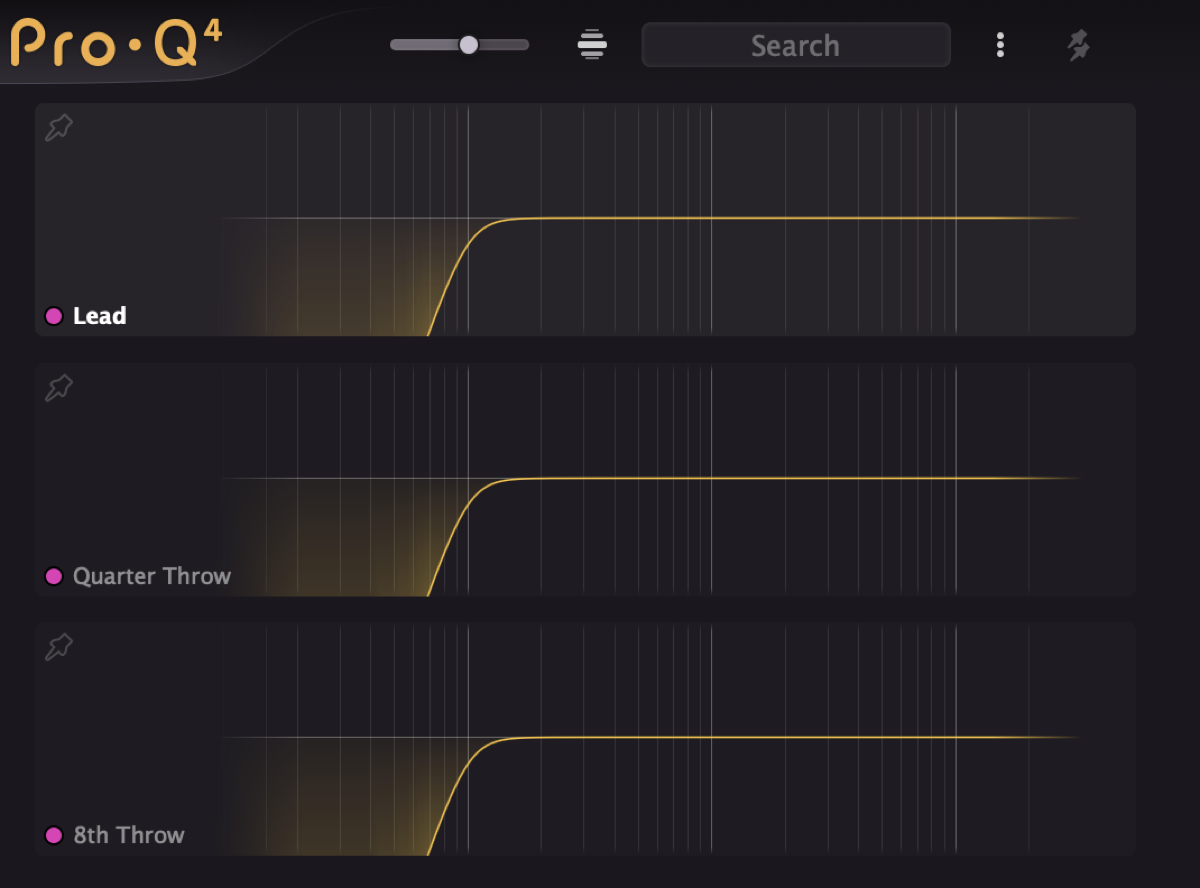 Joel “Roomie” Berghult — 2024-12-12 — the little search bar in Pro-Q 4 is really neatly thought out. If you tag your buses or categories with a specific symbol or prefix you can just put i…
Source Discussions
Discord Source
Channel: daw-talk — Date Range: 2021-02 to 2026-02 Key contributors: Bryan DiMaio, cian riordan, Adam Thein, Slow Hand, Iwan Morgan Message volume: 914 categorized messages
Discord Source
Channel: logic-pro — Date Range: 2024-02 to 2026-02 Key contributors: Adam Thein, joshua_wav, TURBO CHOOK Message volume: ~20 messages on M4 Mac Mini, M1 MacBook Air, and USB-A interface issues See also: logic-pro Channel Summary